
How Do Conference Centers in Los Angeles Support Hybrid Events?
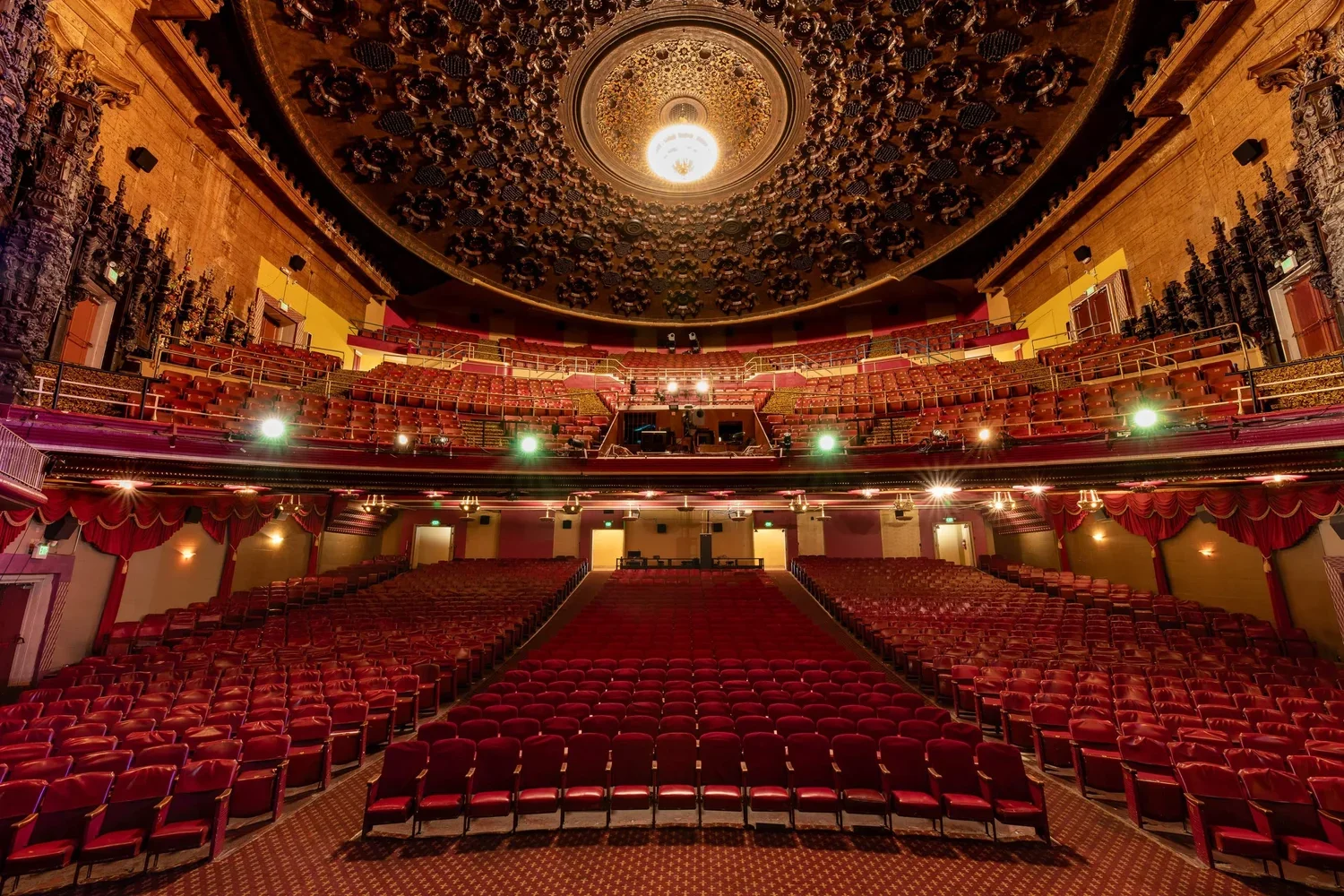
Conference centers Los Angeles companies rely on now need to do more than seat a room full of people. Hybrid events mean the venue also has to support a virtual audience watching from home, which changes what "good AV" actually means. This guide breaks down the technology and room setup a venue needs, plus what actually keeps a stream from falling apart halfway through.
What Hybrid Technology Do Conference Centers in Los Angeles Need?
A hybrid event lives or dies on the technology behind it, and that's true no matter how nice the room looks in person.
Cameras and Microphones That Actually Capture the Room
Most in-person events get away with a single podium mic. Hybrid events can't. Remote attendees need clear audio from the stage and from audience questions, which usually means ceiling mics paired with a wireless handheld for Q&A. On the video side, a fixed wide shot rarely cuts it either. Venues built for hybrid events tend to run at least one camera on the speaker and a second one that can catch the room or the screen.
Software That Connects In-Person and Remote Attendees
The gear only matters if it plugs into a platform people can actually use. Zoom and Teams work differently behind the scenes, and dedicated event platforms add another layer on top of that, so it helps to confirm early which one the venue has tested and troubleshot before. A venue that's run dozens of hybrid events will usually have a preferred setup already dialed in, rather than figuring it out live on the day of your event.
How Should Room Configurations Change for Virtual Audiences?
Once the tech is sorted, the room itself needs to work for two audiences at the same time, and that's not always intuitive.
Camera Sightlines and Staging
Staging that looks great from the back row doesn't always look great through a camera lens. Screens and banners need to sit somewhere the camera can actually see them without a speaker constantly blocking the shot. It's worth walking the stage from the camera's position before the event, not just from where the audience sits.
Seating That Works for the Room, Not Just the Stream
It's tempting to design the room entirely around what looks good on camera, but the in-person crowd still needs clear sightlines and comfortable seating. The better approach treats the stream as one more attendee to plan around, rather than the only one that matters. Rooms with flexible seating tend to handle this better than fixed theater style setups.
What Connectivity and Streaming Capabilities Actually Matter?
None of this works without a solid internet connection, and this is where a lot of hybrid events quietly fall apart.
Bandwidth is the first thing to confirm, since a stable hybrid stream needs more than a typical office connection can handle. Ask specifically what upload speed the venue can guarantee, not just the download number most venues advertise. A backup connection matters just as much. Venues that host hybrid events regularly usually keep a secondary internet line or a cellular hotspot ready in case the main connection drops mid stream.
Delay is the other piece people overlook until it's happening live. A few seconds of lag between what's said on stage and what remote attendees hear can throw off Q&A sessions and make the whole event feel disjointed. Ask the venue how they've handled this on past events, since the answer usually tells you how much hybrid experience they actually have.
Questions to Ask Before Booking a Hybrid Event Space
Before locking in a venue for a hybrid event, run through a short list of questions to confirm they can actually deliver.
Ask what platforms they've run hybrid events on before
Confirm whether cameras and mics are included or an add-on cost
Find out what backup plan exists if the internet connection drops
Ask to see a past hybrid event recording if one is available
Confirm who runs the tech during the event, in-house staff or an outside crew
Check whether a rehearsal or tech check is included before the event date
Final Thoughts
Hybrid events put real pressure on a venue's technology and layout, and not every space is built to handle both audiences well. Getting clear answers on cameras and connectivity, plus a look at the venue's past hybrid experience, saves a lot of stress on the actual event day.
Piovra Group works with planners across Los Angeles to find and vet venues that can actually deliver on hybrid AV and connectivity, not just promise it in a sales pitch. If you're weighing options for an upcoming hybrid conference, talk to our team and we'll help you shortlist venues that fit your tech requirements and your budget.
Frequently Asked Questions
Q. What makes a conference center suitable for hybrid events?
A. A suitable venue needs reliable cameras and microphones built for hybrid audiences, along with a stable internet connection that has a backup ready. Staff who have run hybrid events before matter just as much. Without those pieces, the in-person experience and the virtual one rarely match up.
Q. How much internet speed does a hybrid event need?
A. Upload speed matters more than download speed for streaming, and most hybrid events need a stable connection well above what a typical office uses. Always ask the venue for their guaranteed upload speed rather than an advertised max.
Q. Can any conference room be converted for a hybrid event?
A. Technically yes, but not every room is set up well for it. Rooms without flexible camera angles or built-in AV support often need extra equipment brought in, which adds cost and setup time.
Q. What platform works best for hybrid conferences?
A. It depends on your audience and what the venue has tested before. Zoom and Teams both work well for hybrid setups, but the venue's own experience with a platform usually matters more than which one you pick.
Q, How far in advance should hybrid AV needs be confirmed?
A. Most venues recommend confirming AV and streaming needs at least a month before the event, and ideally earlier for larger hybrid conferences. This gives time for a tech check or rehearsal before the actual event date.